Comic Reader Template (Twine)
A downloadable asset pack for Windows and Linux
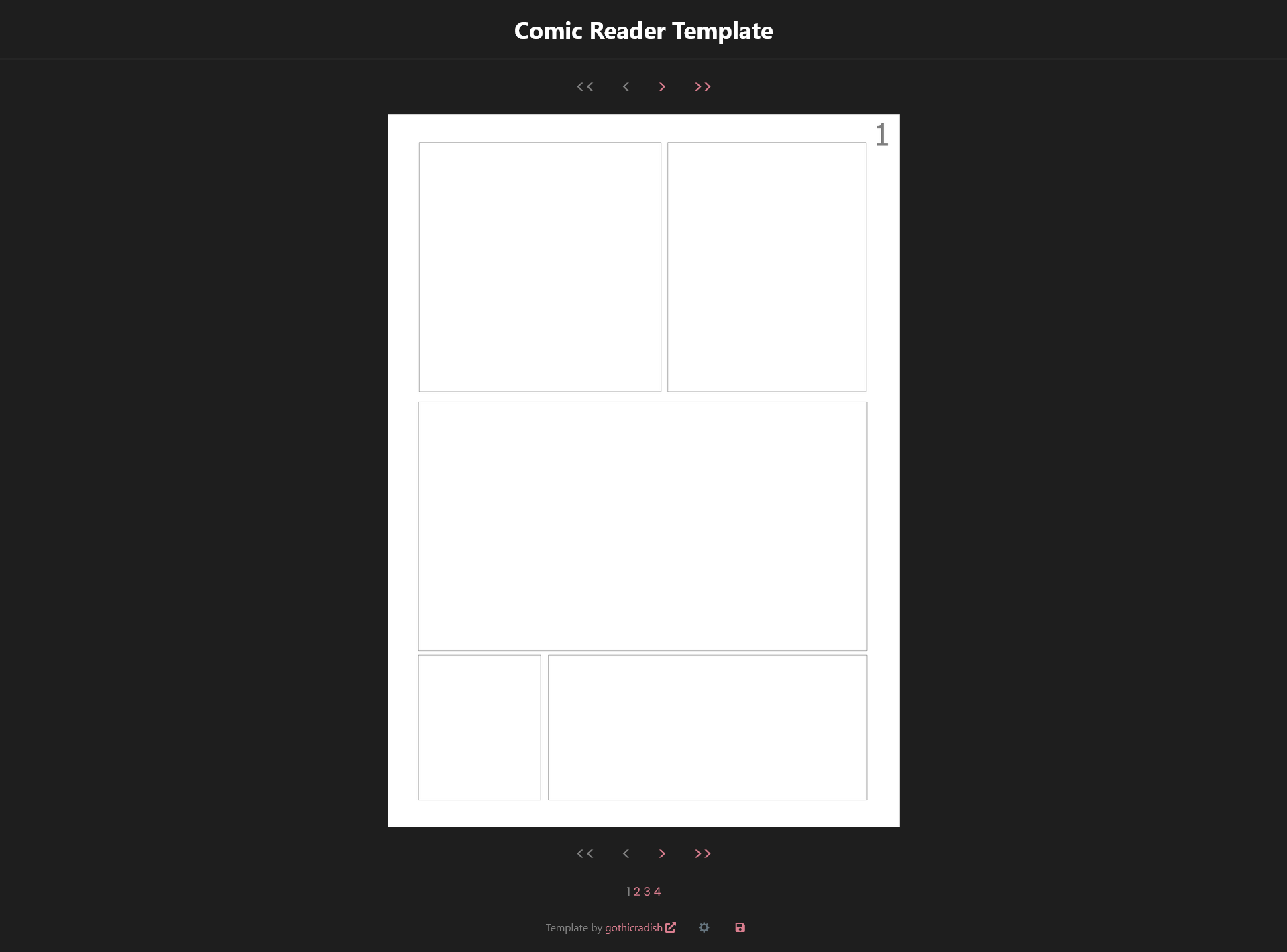
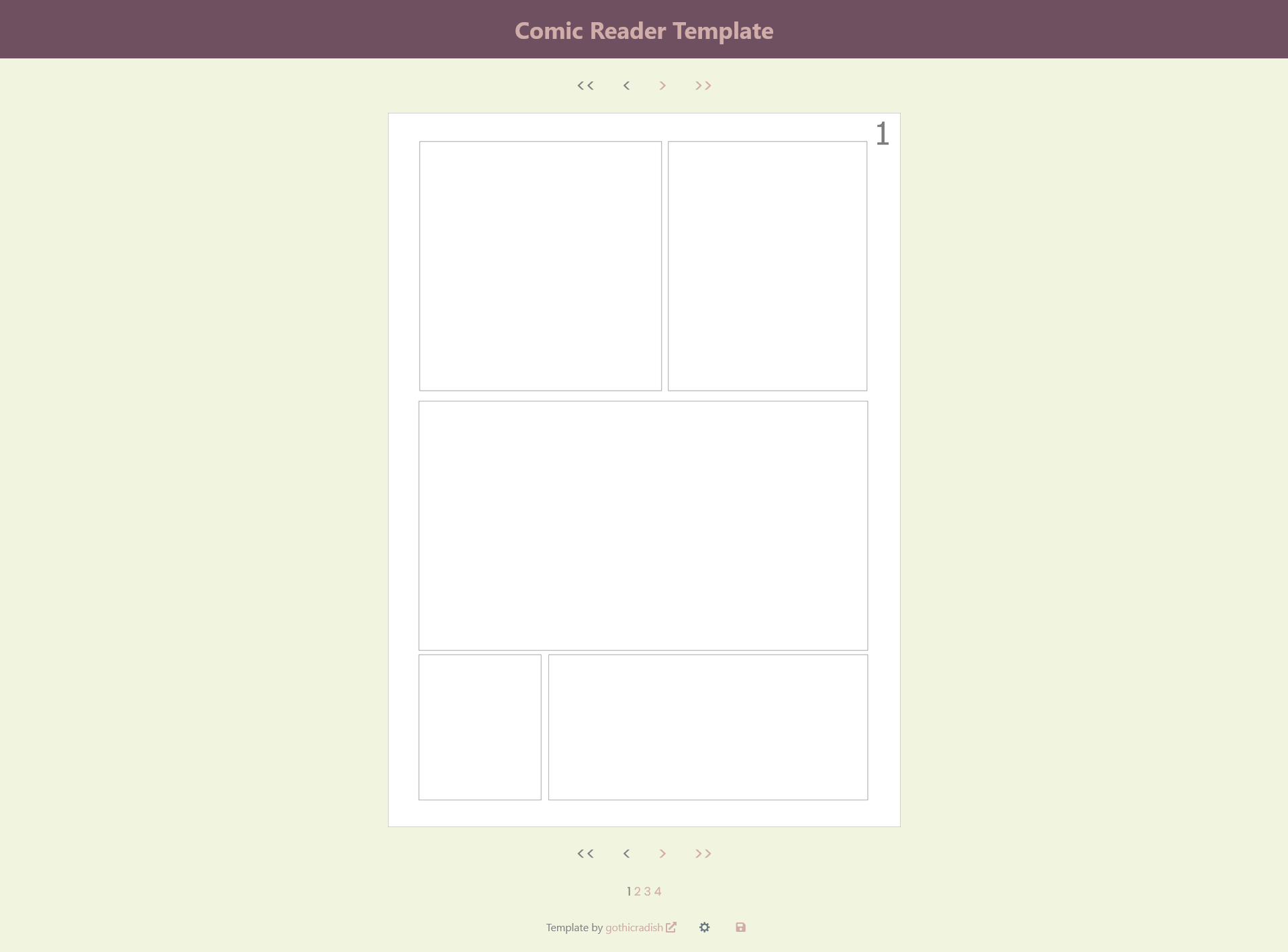
A simple comic reader made with Twine + SugarCube 2 - customizable template + code for navigating pages.
You can navigate pages with A/D/Q/E (previous page/next page/start/end) or left and right arrows (previous page/next page).
You don't need to have Twine installed to use this template.
Features:
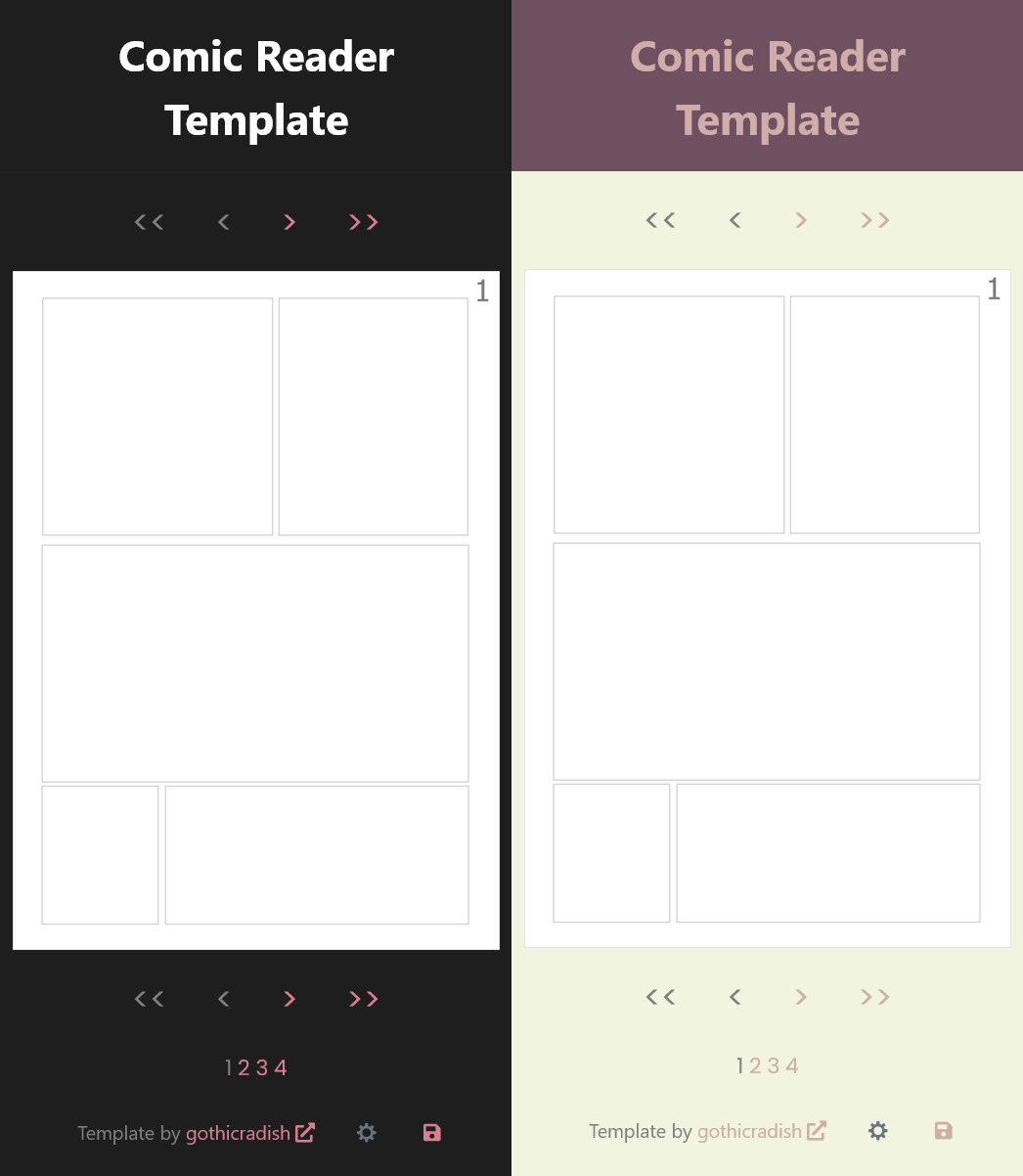
- responsive UI
- dark and light mode
- page navigation
- option to save progress
How to use:
- Name your comic pages "page_1", "page_2", etc. and save them as .png
- Drop your pages in the \img folder (replace the example ones)
- In StoryInit of the .html file, for the $max_number variable put in your total number of pages (default is set as 4) - you can do this in Twine or any text editor
- In StoryDisplayTitle, replace the default title with your project's title or logo
- In PassageFooter, replace the default text with your footer content
That's it!
You can customize it further however you want or post right away.
Feel free to use this for any project, commercial or non-commercial.
Download
Development log
- UpdateOct 06, 2025
Leave a comment
Log in with itch.io to leave a comment.